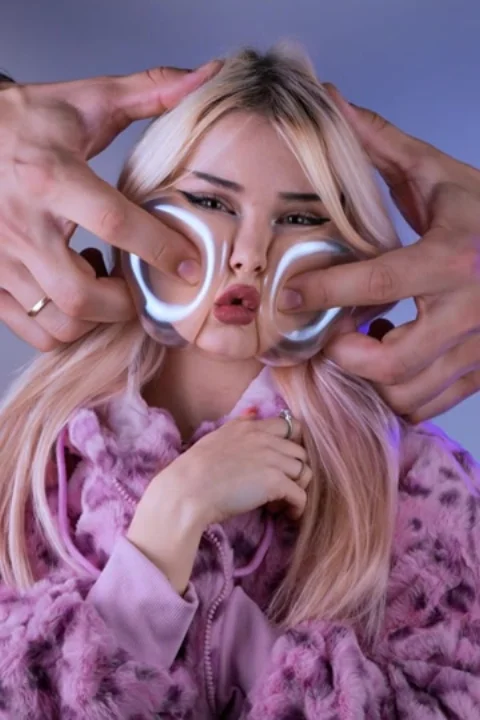
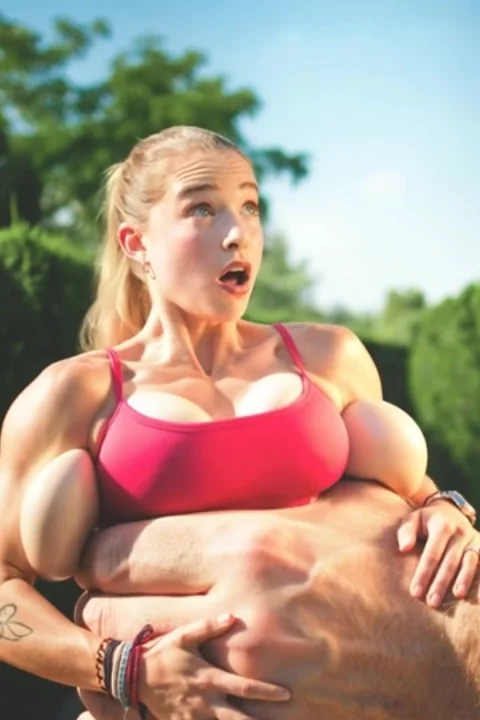
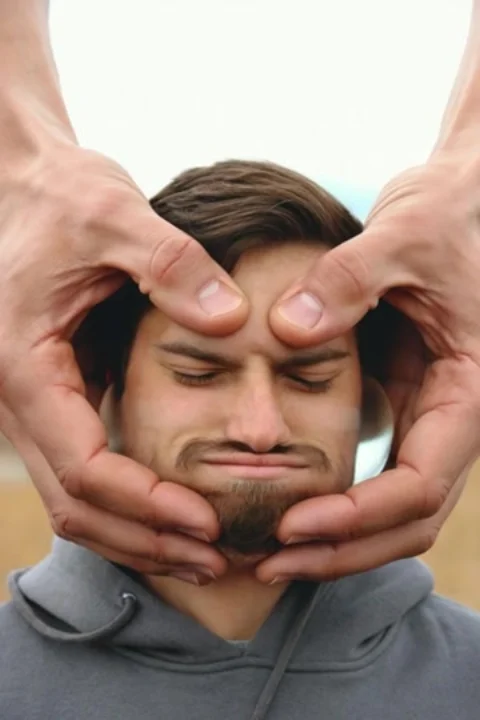
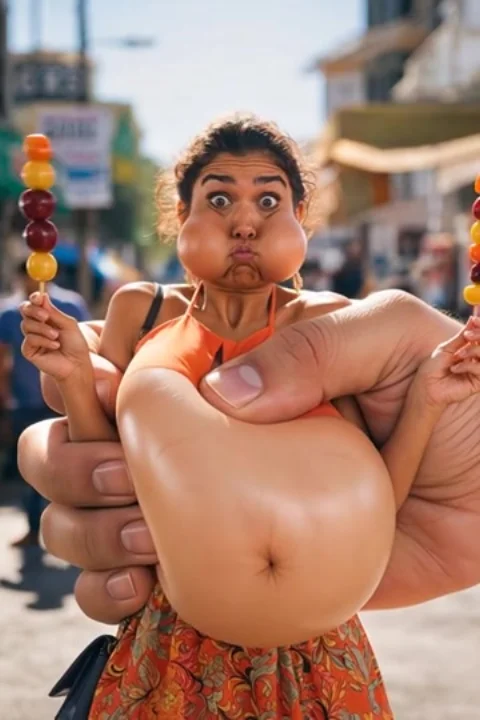
What Makes the Best Source Photo for AI Video?
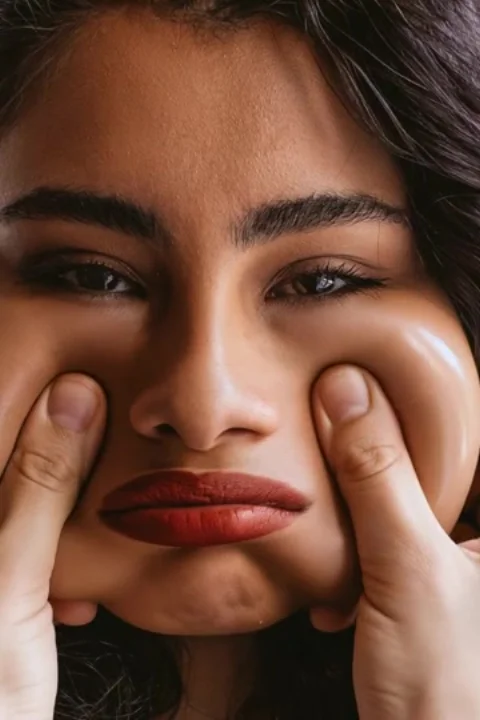
Since the source photo becomes the fixed first frame of the generated video, its quality directly caps how good the final result can look — no amount of generation quality fixes a bad starting photo.
Sharp focus, especially on the face
A slightly blurry or motion-soft original photo stays soft in the generated video, since the model builds motion around what's actually there in that first frame.
A clear, front-facing subject
Photos with the face clearly visible and unobstructed give the model an accurate identity to preserve throughout the clip — turned-away or obscured faces give it less to work with.
Simple backgrounds work fine
Since most of these effects are about what happens to the subject, not the setting, a plain or ordinary background isn't a problem — it doesn't need to look like a professional photoshoot.
Does the photo need to be high resolution?
A reasonably clear, well-lit photo from any modern phone camera is enough — extremely low-resolution or heavily compressed images are the main thing that actually hurts results.